Facebook Photo Downloader - Free
Download Facebook Photos to your device in high quality — No Watermark, No Login Required. Fast, Free & Easy!
Download Facebook Photos in HD — Fast & Free
Looking to save your favorite Facebook Photos quickly and in the best quality? TeraLinks makes it simple to download Facebook Photos in high-definition (HD), directly to your device. No watermark, no login, no hassle — 100% free.
Whether it's stunning photography, memorable moments, or creative content, TeraLinks Facebook Photo Downloader lets you download them all with just one click.
Key Features
- Download Facebook Photos in HD quality
- No watermark on downloaded Photos
- Fast, one-click downloads
- No app installation or login required
- Works on desktop and mobile devices
Stop wasting time with unreliable tools. TeraLinks Facebook Photo Downloader is the easiest way to save Photos to your device in high quality, completely free.
Share this tool:
How to Download Facebook Photos with TeraLinks
Follow these simple steps to download Facebook Photos quickly and in high quality.
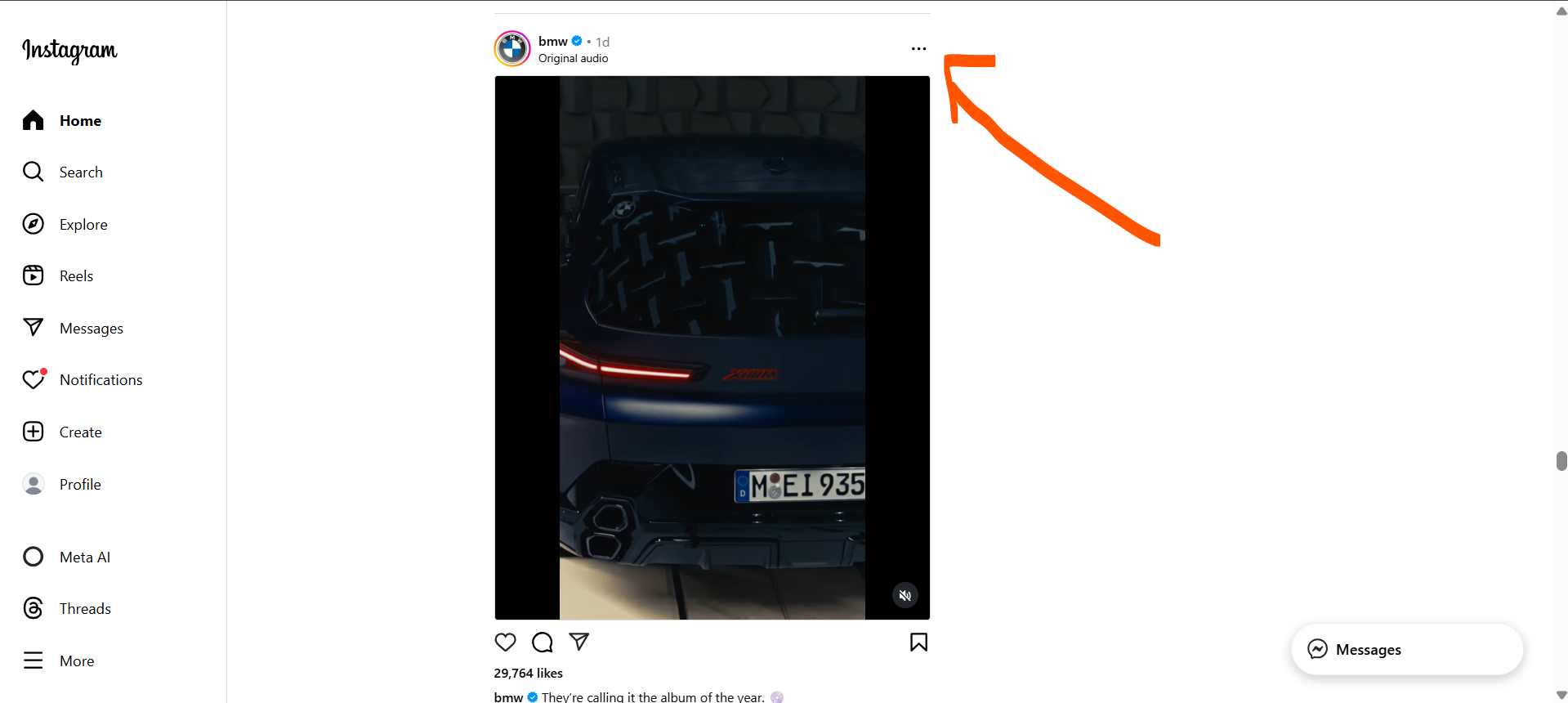
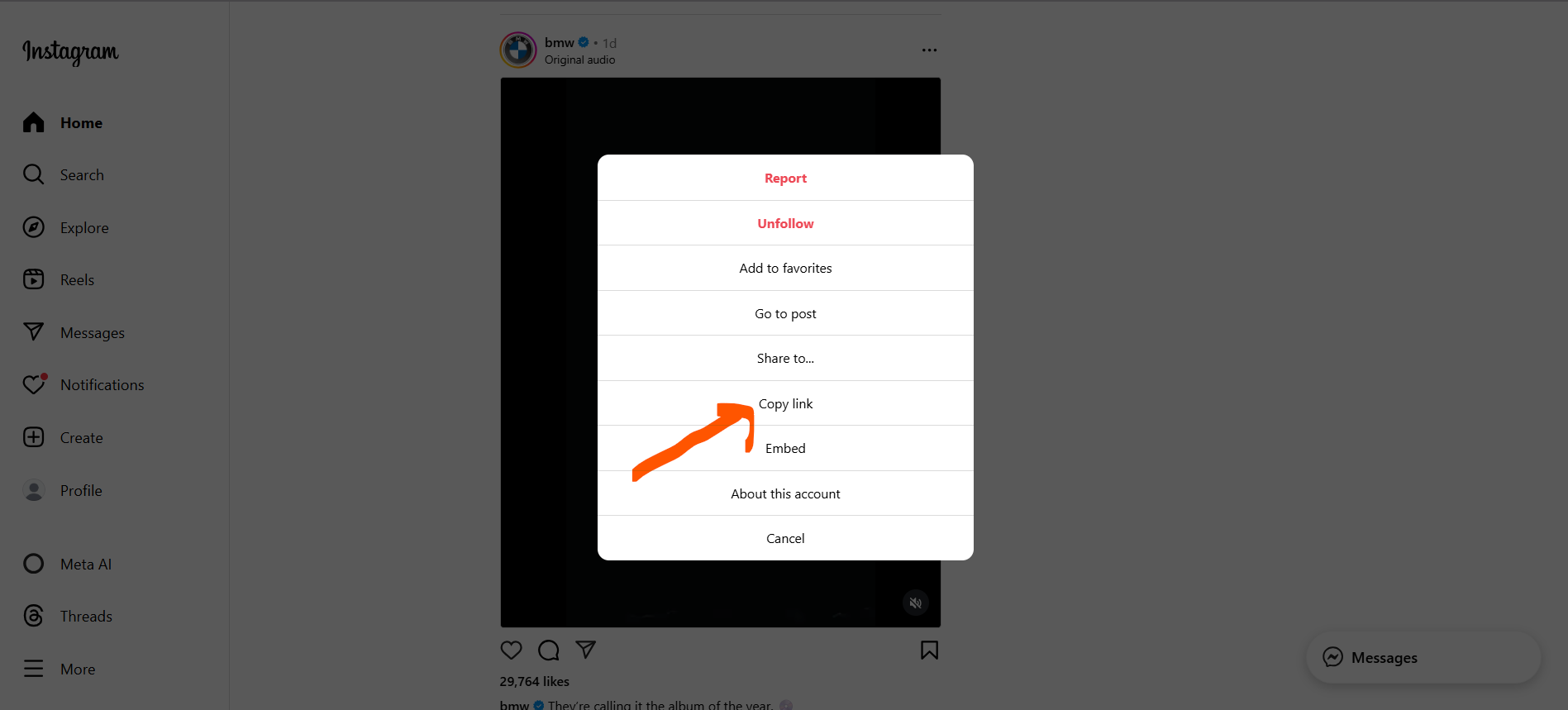
Step 1: Copy the Facebook Photo Link
Open Facebook, find the photo you want to download, and copy the link.
Step 2: Paste the Link into TeraLinks
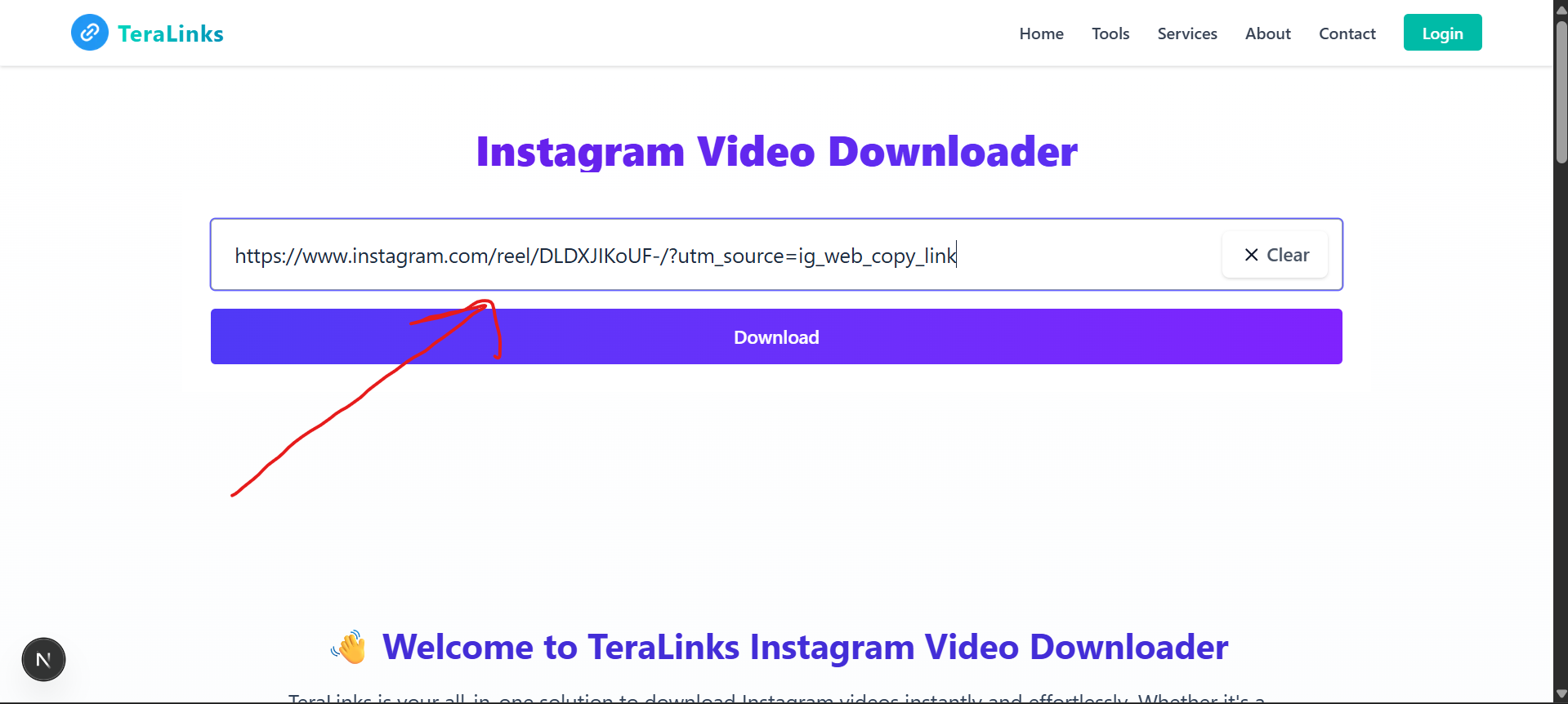
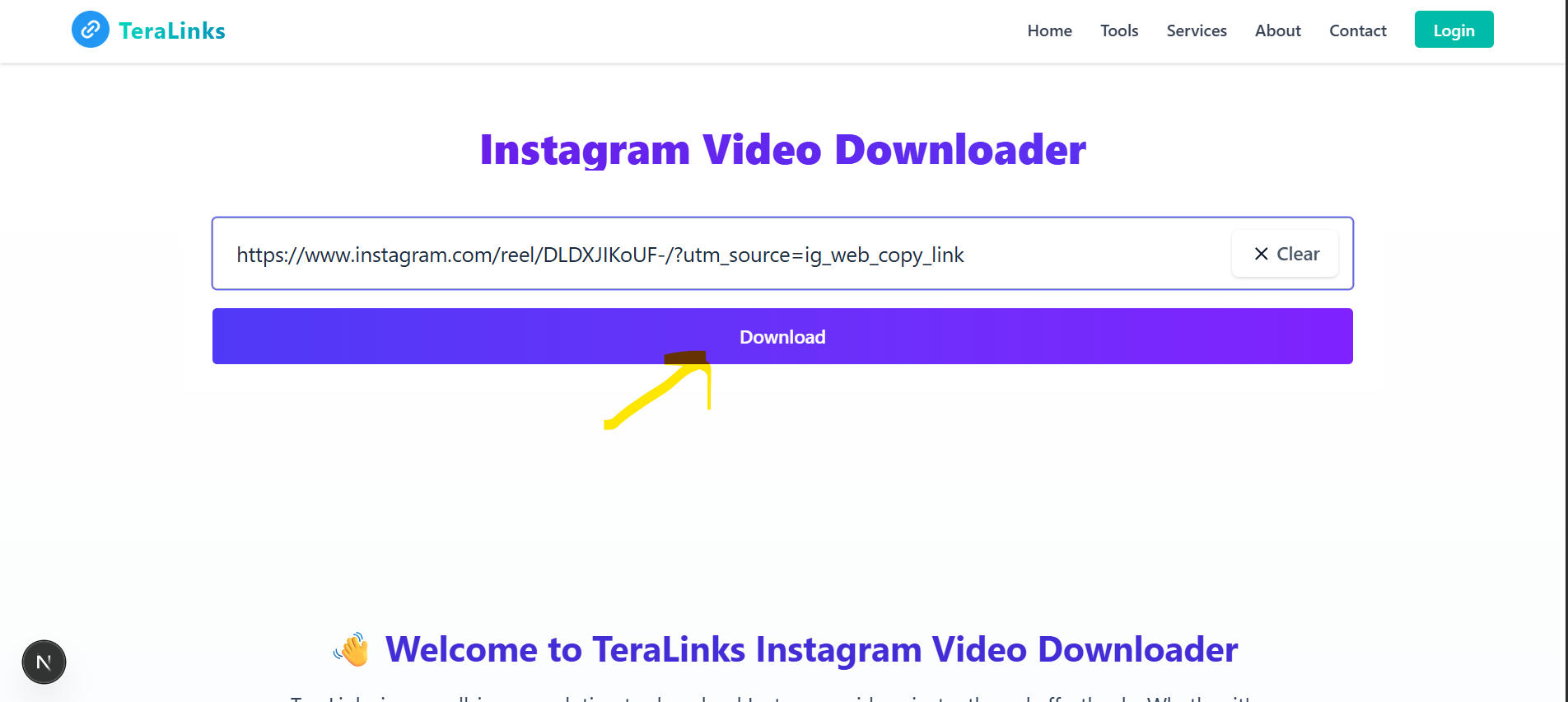
Return to this page and paste the copied link into the input box above.
Step 3: Click Download to Fetch Your Photo
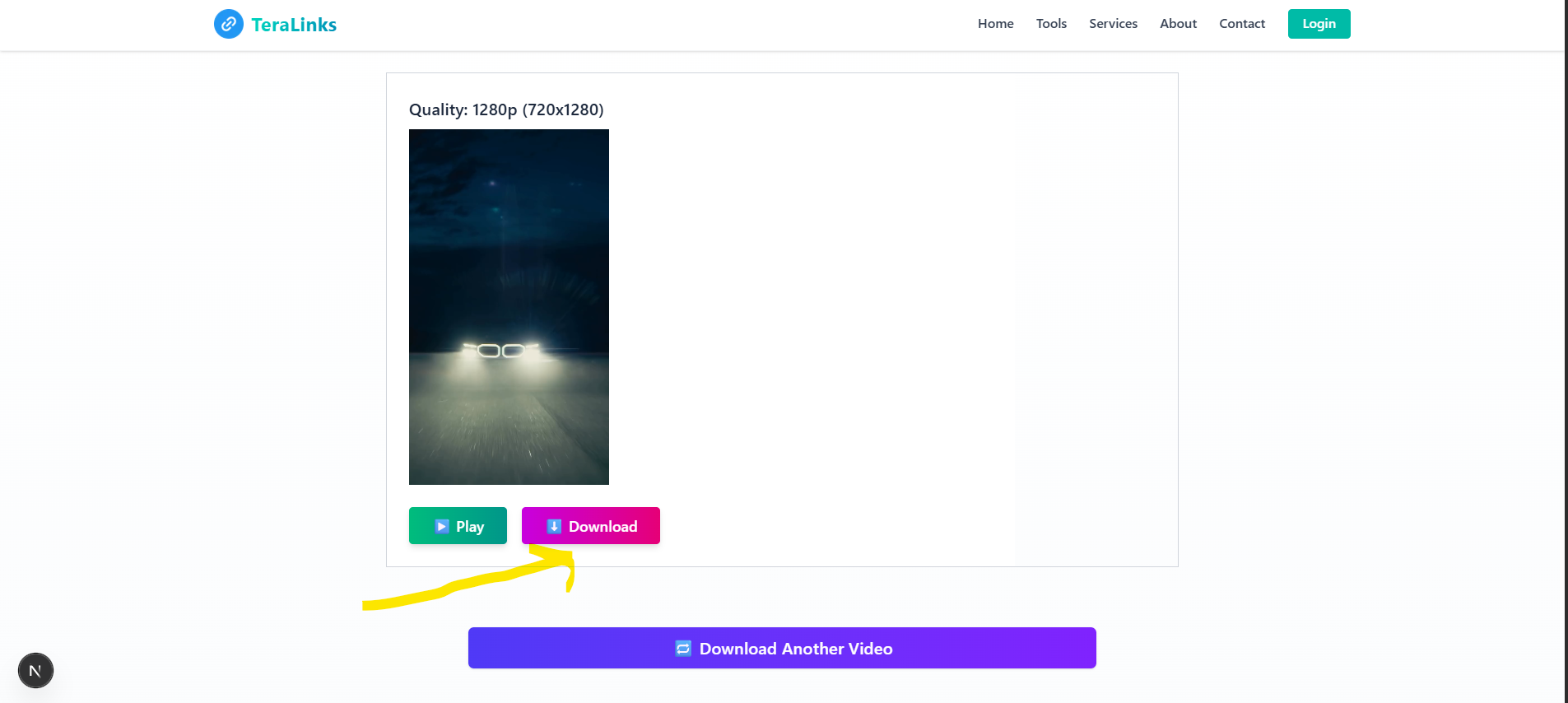
Tap the 'Download' button. TeraLinks will instantly fetch the Photo in HD quality.
Step 4: Preview & Download the Photo
Preview the Photo to confirm it's correct. Once ready, click 'Download' to save it to your device.
Step 5: Enjoy Your Downloaded Facebook Photos
Your Photo is now saved to your device. View it offline anytime!