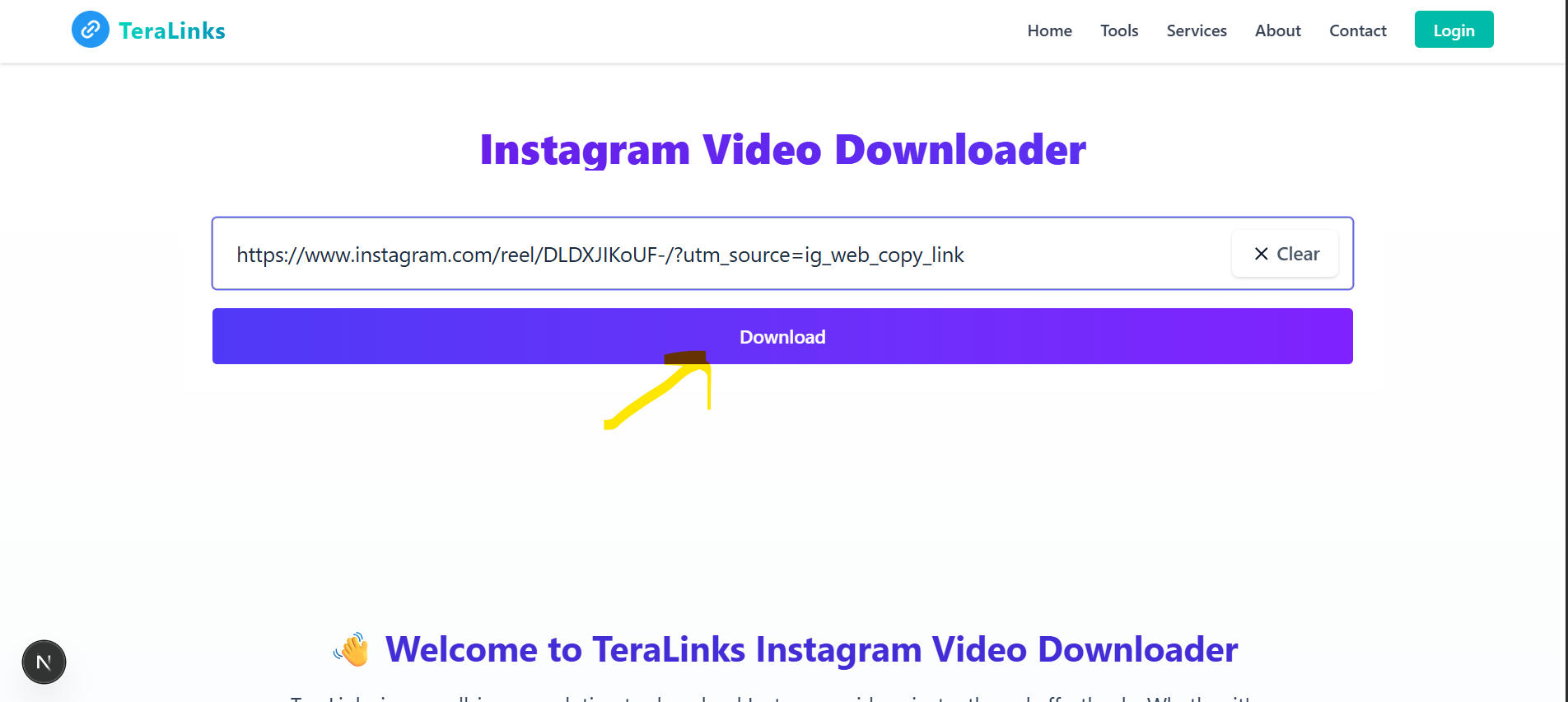
Facebook Profile Viewer - Free
View detailed Facebook page information — No Login Required. Fast, Free & Easy!
View Facebook Pages — Fast & Free
Looking to view detailed Facebook page information? TeraLinks makes it simple to see page details, recent posts, videos, and more from any public Facebook page. No login, no hassle — 100% free.
Whether you're checking out a business, creator, or public figure's page, TeraLinks Facebook Profile Viewer gives you all the details in one place.
Key Features
- View page information and details
- See recent posts and engagement
- Check recent videos
- View contact information
- No login required
- Works on desktop and mobile devices
Stop wasting time. TeraLinks Facebook Profile Viewer is the easiest way to view page information, completely free.
Share this tool:
How to View Facebook Pages with TeraLinks
Follow these simple steps to view Facebook page information quickly.
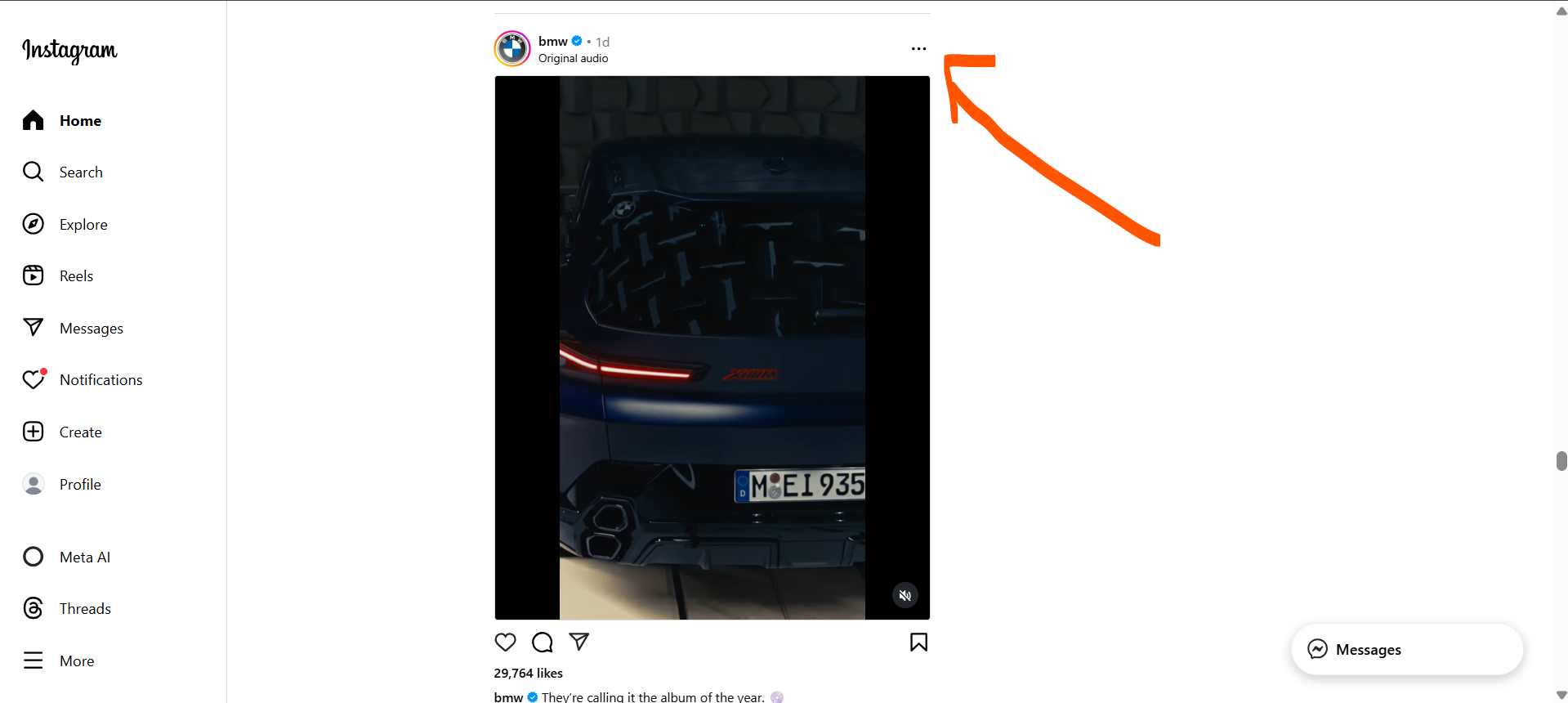
Step 1: Copy the Facebook Page Link
Open Facebook, go to the page you want to view, and copy the page URL from your browser.
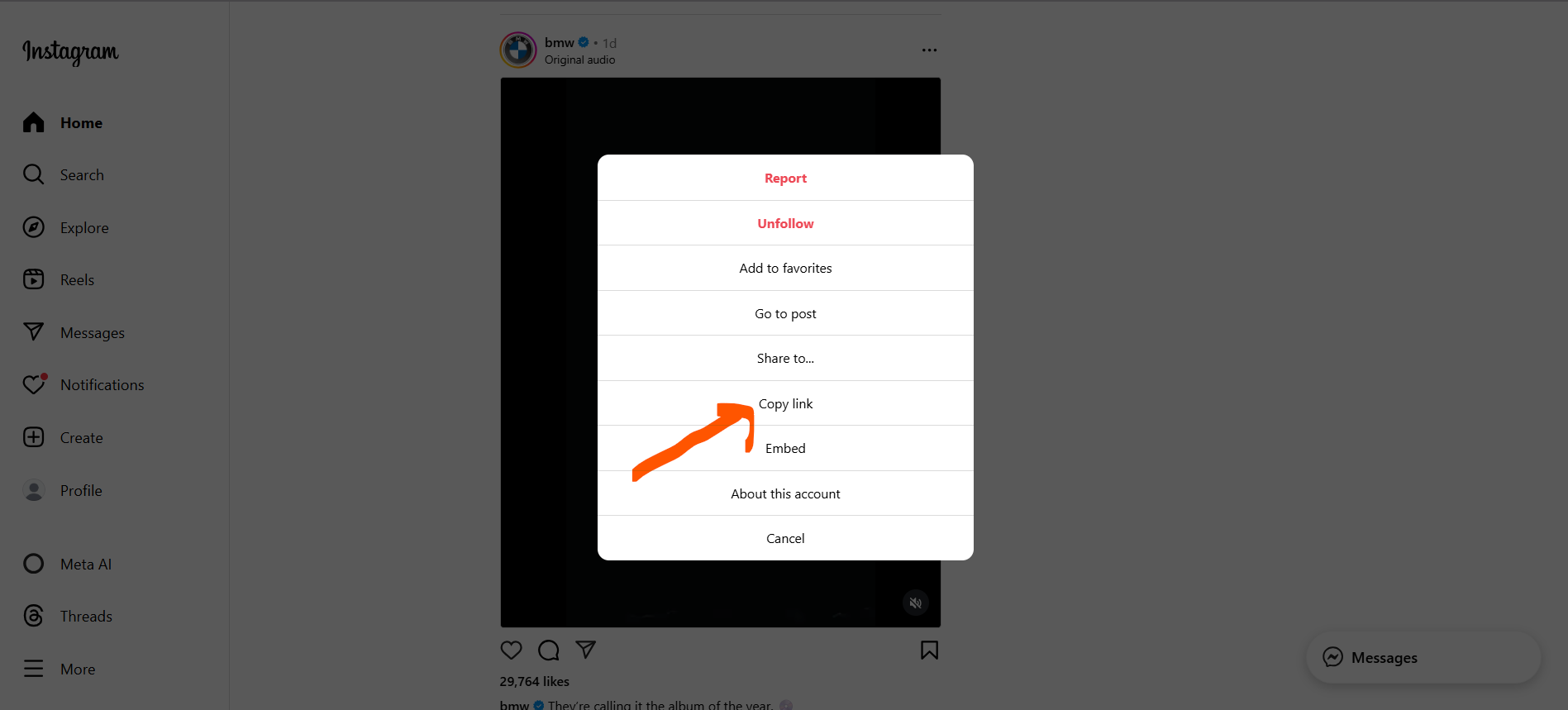
Step 2: Paste the Link into TeraLinks
Return to this page and paste the copied link into the input box above.
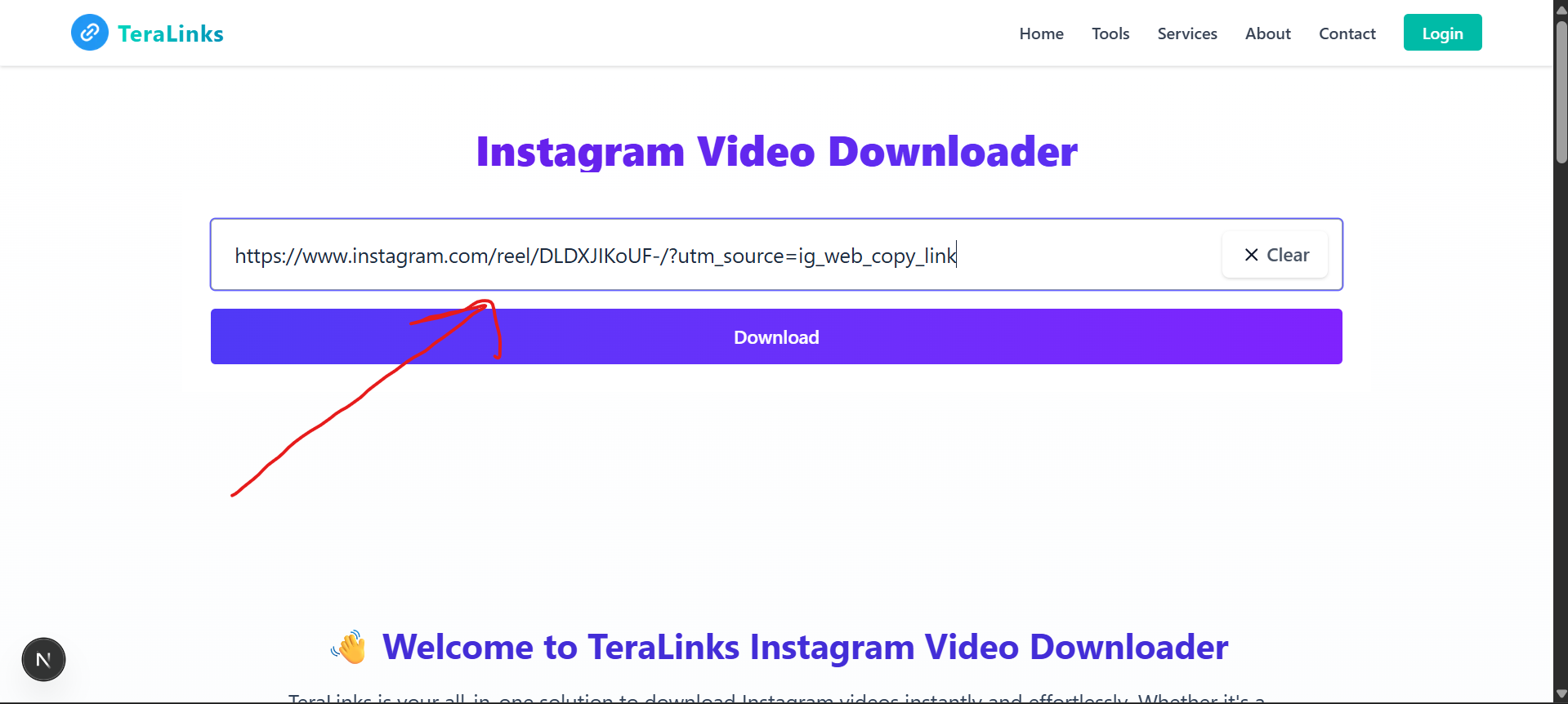
Step 3: Click Fetch to View Page
Tap the 'Fetch' button. TeraLinks will instantly display the page information.
Step 4: View Page Details
See all the page information including details, recent posts, videos, and more.